New Year, New Tools: How Micro-Automation is the Simplest 'Upgrade' Your Team Needs
About the author
 Opscalers
Featured Article

The "Resolution Trap" is relying on perseverance when growth demands a systematic "Revolution." Stop compounding...
Recent Posts



Browse By Category
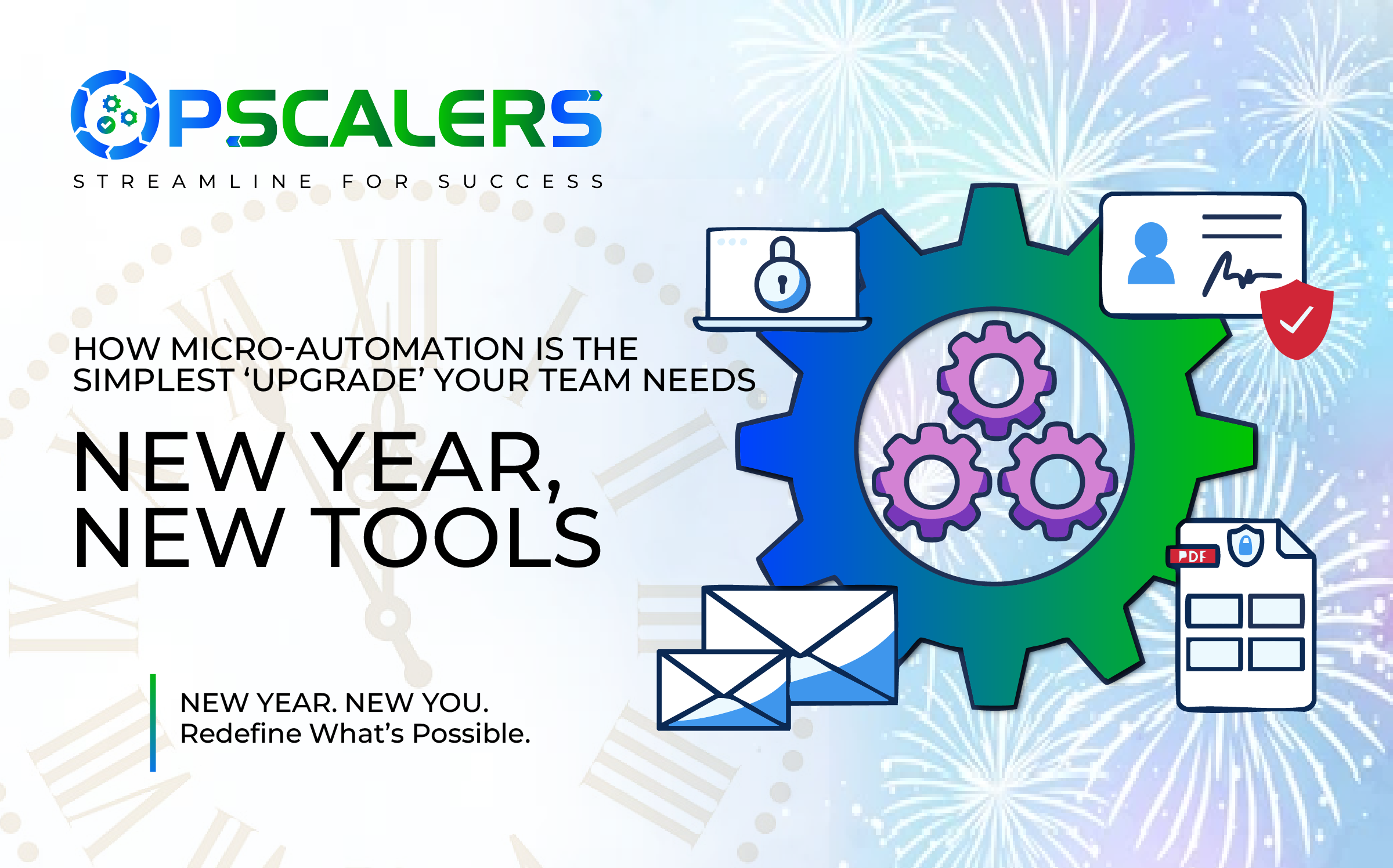
Table of Contents
The push for New Year efficiency often lands business leaders and department heads in the same daunting spot: debating a massive, costly overhaul of legacy Enterprise Resource Planning (ERP) systems or launching an exhausting, multi-year, company-wide “Digital Transformation” initiative. These huge projects require vast budgets, specialized engineering talent, and often lead to cultural resistance and deployment fatigue.
But sustainable growth, the kind that allows an organization to truly opscale by increasing output without disproportionately increasing resources—rarely comes from a single, giant leap. It comes from hundreds of small, repeatable, and almost invisible improvements.
This year, forget the intimidating overhaul. The sharpest upgrade you can give your team is the quiet revolution of micro-automation.
What Exactly is Micro-Automation? The Power of Compounding Time Savings
Micro-automation is the targeted use of lightweight, low-code tools (like Zapier, Make, Microsoft Power Automate, or even advanced scripting within platforms like Notion or Airtable) to automate single, repetitive tasks that consume valuable human time and cognitive energy.
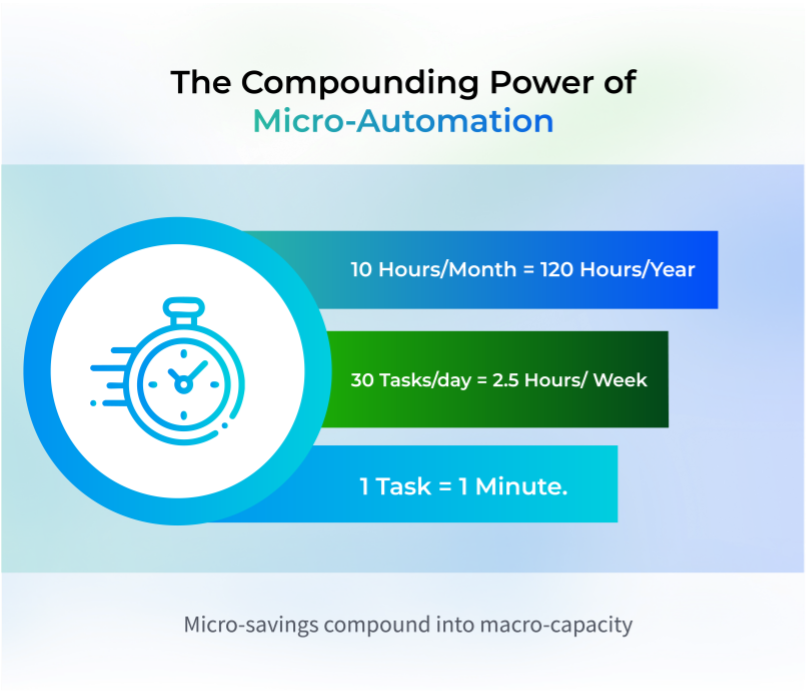
These are not the large, complex Robotic Process Automation (RPA) systems that restructure entire supply chains. Instead, micro-automations are laser-focused on the mundane, transactional, and high-frequency tasks that staff—especially those in small or lean teams—perform every day.
Think of it this way: if a task takes 45 seconds but is repeated 30 times a day, that’s 15 minutes burned on low-value work. Over a year, that single, automated task reclaims over 62 hours. If your team implements ten such automations, you’ve just added over 600 hours of strategic bandwidth back to your organization. This is the Compounding Time Savings effect. It’s not about replacing entire roles; it’s about freeing up your best people to focus on the creative problem-solving, strategic thinking, and human-centered creativity that truly drives competitive advantage.
The Opscaler’s Approach: Targeting the Three Core Time-Sinks
Opscalers understands that friction is the enemy of scale. Micro-automations are designed to remove this friction by focusing on the tasks that are necessary but non-value-added—the time sinks that derail productivity every single day. Here are three critical areas ripe for immediate micro-automation.
1. The Data Migration Treadmill (Goodbye, Copy/Paste)
The most common efficiency killer is manually moving or reconciling data between disparate, specialized systems. The team member must copy information from one screen, switch context, and paste it accurately into another. This constant context switching is mentally exhausting and highly prone to error.
The Fix in Action:
Imagine a Sales team relying on a central CRM (like Salesforce) and a Marketing team using a separate lead generation tool (like HubSpot Forms). When a form is submitted, the Sales rep has to manually transfer the lead’s name, contact info, and product interest into the CRM and then manually notify the correct account executive on Slack.
With micro-automation, this task becomes effortless:
- Trigger: A new submission is received via the Marketing form.
- Action 1 (CRM Update): An automation instantly creates a new lead record in the CRM, assigning the correct source tags.
- Action 2 (Internal Notification): A second step in the workflow sends a tailored Slack message to the relevant Account Executive, including a direct link to the new CRM entry.
This automated connection instantly boosts the accuracy of your Operations KPIs, eliminates manual transcription errors (improving your First Pass Yield), and saves countless minutes of tedious switching and typing across the team.
2. Routine Reporting and Status Notifications (Instant Insight, Zero Effort)
Every employee, from the executive suite to the front line, relies on status updates and recurring reports to make decisions. Generating these manually; copying, pasting, formatting charts, and compiling data, is a colossal waste of intellectual capital. Moreover, manual reporting often means the data is outdated by the time it lands in the inbox.
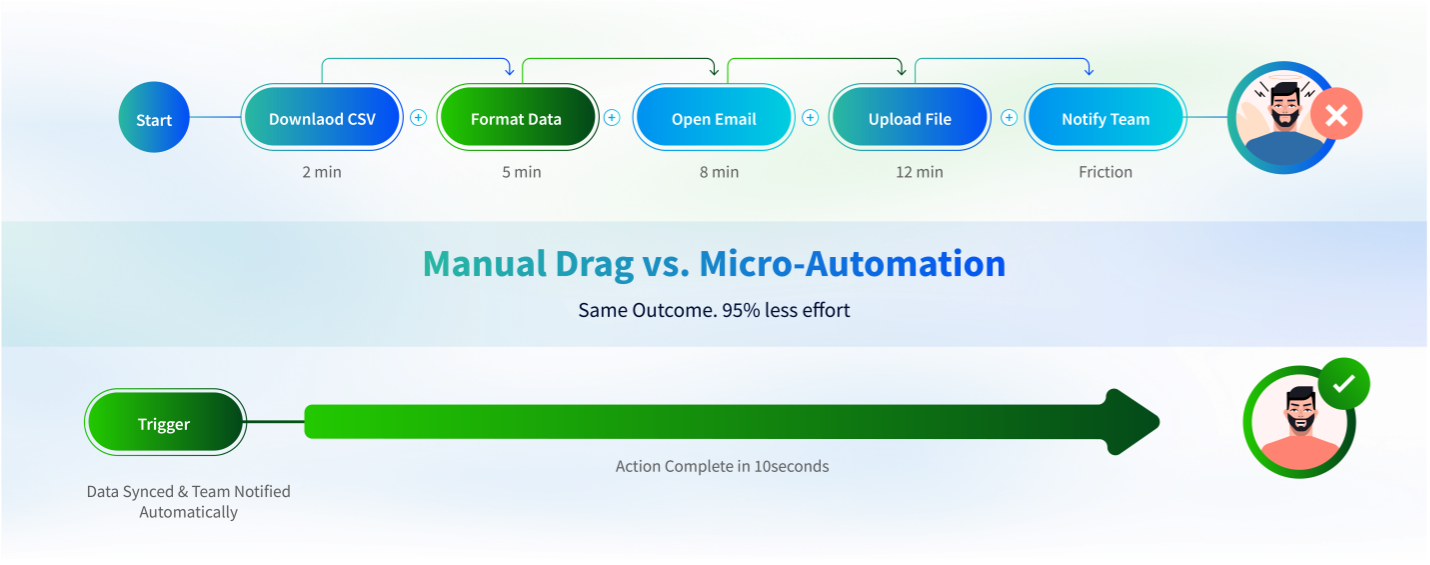
The Fix in Action:
Instead of a weekly 90-minute report compilation session, set up an automation that extracts key metrics (e.g., daily sales figures, website traffic changes, support ticket volume) from their source systems (e.g., Google Analytics, Jira, Accounting Software) at a scheduled time.
The automation then compiles the raw data into a pre-formatted template (a simple Google Sheet or PDF) and automatically distributes it to the relevant stakeholders via email or a dedicated team channel.
This workflow ensures data is delivered consistently, instantly, and without human intervention, allowing teams to react faster and become more agile Opscalers. Managers get real-time visibility into performance indicators, enabling truly data-driven decisions instead of relying on stale, compiled reports.
3. The Approval Bottleneck (Maintaining Flow, Reducing Friction)
Internal processes often grind to a halt waiting for a simple, low-risk human sign-off. A department head needs to authorize a minor budget transfer, a contractor needs system access, or a social media post needs final legal review. These delays create costly bottlenecks and erode internal Customer Lead Time.
The Fix in Action:
Implement automated, conditional approval workflows. Automation isn’t about eliminating human review entirely; it’s about eliminating the review of low-risk tasks.
- If an expense report is below a certain, pre-approved threshold (e.g., $100), the automation immediately approves it, logs the transaction, and files the receipt. The process is complete in seconds.
- If the request exceeds the threshold, the automation routes the request to the correct approver and, critically, sends an automatic reminder after 24 hours if the request is still pending.
By applying intelligent logic, you reduce managerial overhead, ensure decisions happen faster, and prevent important projects from stalling over a simple administrative sign-off.
Embracing the Micro-Automation Mindset
The beautiful thing about micro-automation is its accessibility. You don’t need a development team or a massive budget. Many of the most powerful tools operate on a no-code or low-code interface, meaning the people who know the process best, the department staff, can often build the solution themselves.
The challenge for leadership is not finding the technology, but fostering the mindset. Encourage your team to spend 15 minutes each week observing their own work:
- Identify: What is the single most boring, repetitive thing I do today?
- Quantify: How many times do I do it, and how long does it take?
- Automate: Can I connect the two apps involved using a simple no-code tool?
This shift, from “How can I be more productive?” to “How can I remove myself from this process entirely?” is the core ethos of Opscalers.
The Strategic Payoff: Freeing the Human Engine
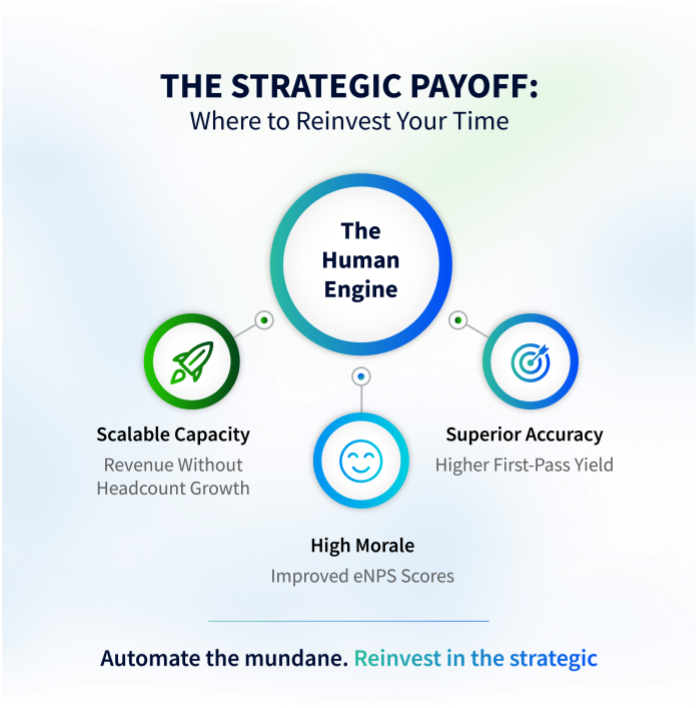
Micro-automation does far more than just save time; it fundamentally changes the nature of work. By automating the mundane, the organization effectively reinvests that time into strategic, high-value activities:
- 1. Superior Accuracy: Automated tasks execute the same logic perfectly every time, directly translating into a better First Pass Yield (FPY) for your data and processes.
- 2. Higher Job Satisfaction: Employees report higher morale and Employee Net Promoter Scores (eNPS) when they spend less time on tedious data entry and more time on creative problem-solving and client engagement.
- 3. Scalable Capacity: When workflows run themselves, the team’s capacity to handle increased demand grows exponentially without needing to proportionally increase staff—a clear, predictable path to opscale efficiently and sustainably.
Don’t wait for the multi-year transformation project to kick off. Start small, automate one repetitive task per week, and watch your team’s efficiency compound throughout Q1. That is the simplest, sharpest, and most effective upgrade you can give your team this year.
Sources and References
- Zapier
- Make (formerly Integromat)
- Microsoft Power Automate
- Airtable
- Notion
- Google Apps Script